Visual Development
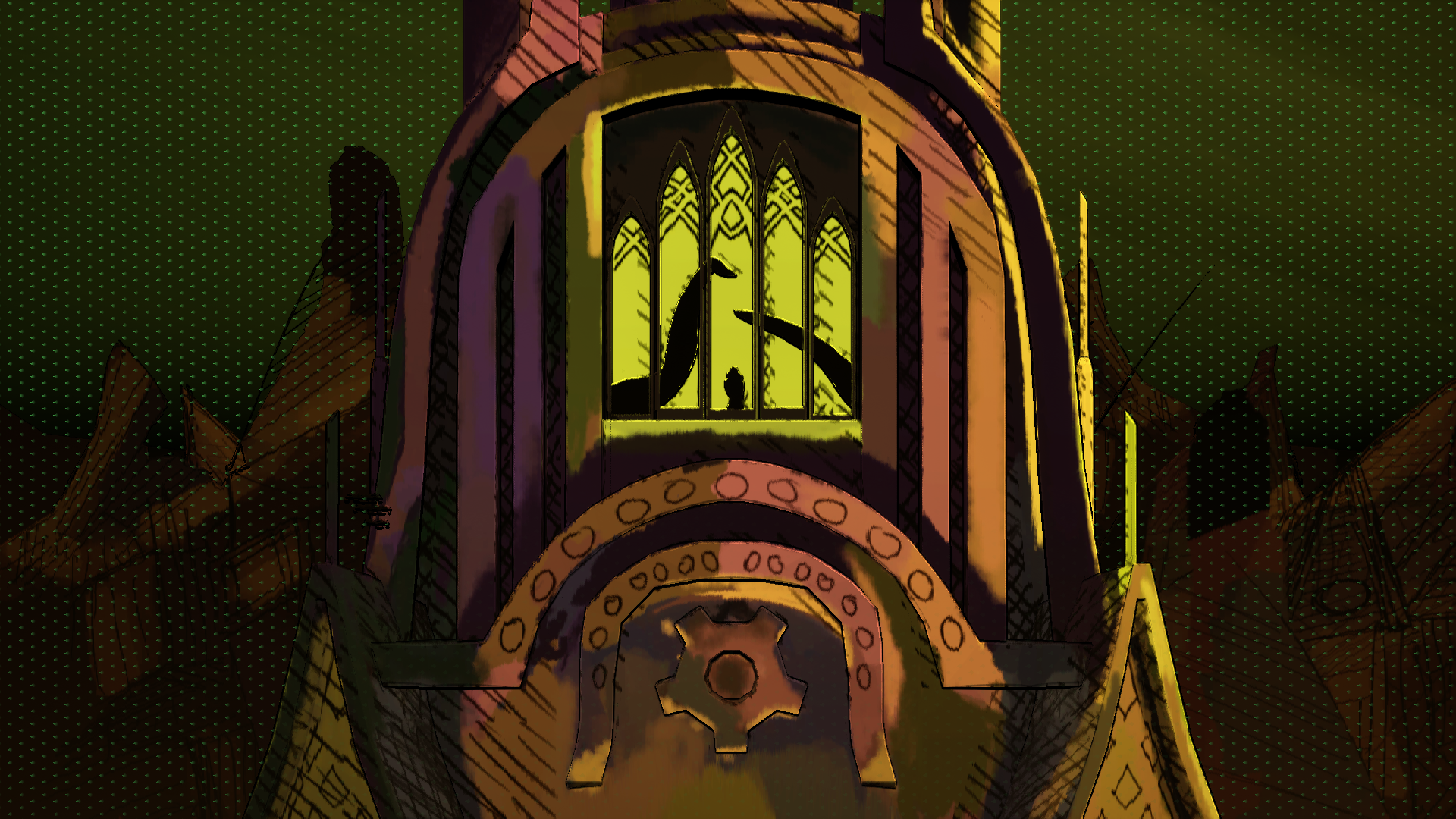
A Fateful Night

A Fateful Night, Concept Style A - Procreate, 2023
Ethan Richards
A Fateful Night, Concept Shot
A Fateful Night, Style A
A Fateful Night, Style A Development Videos
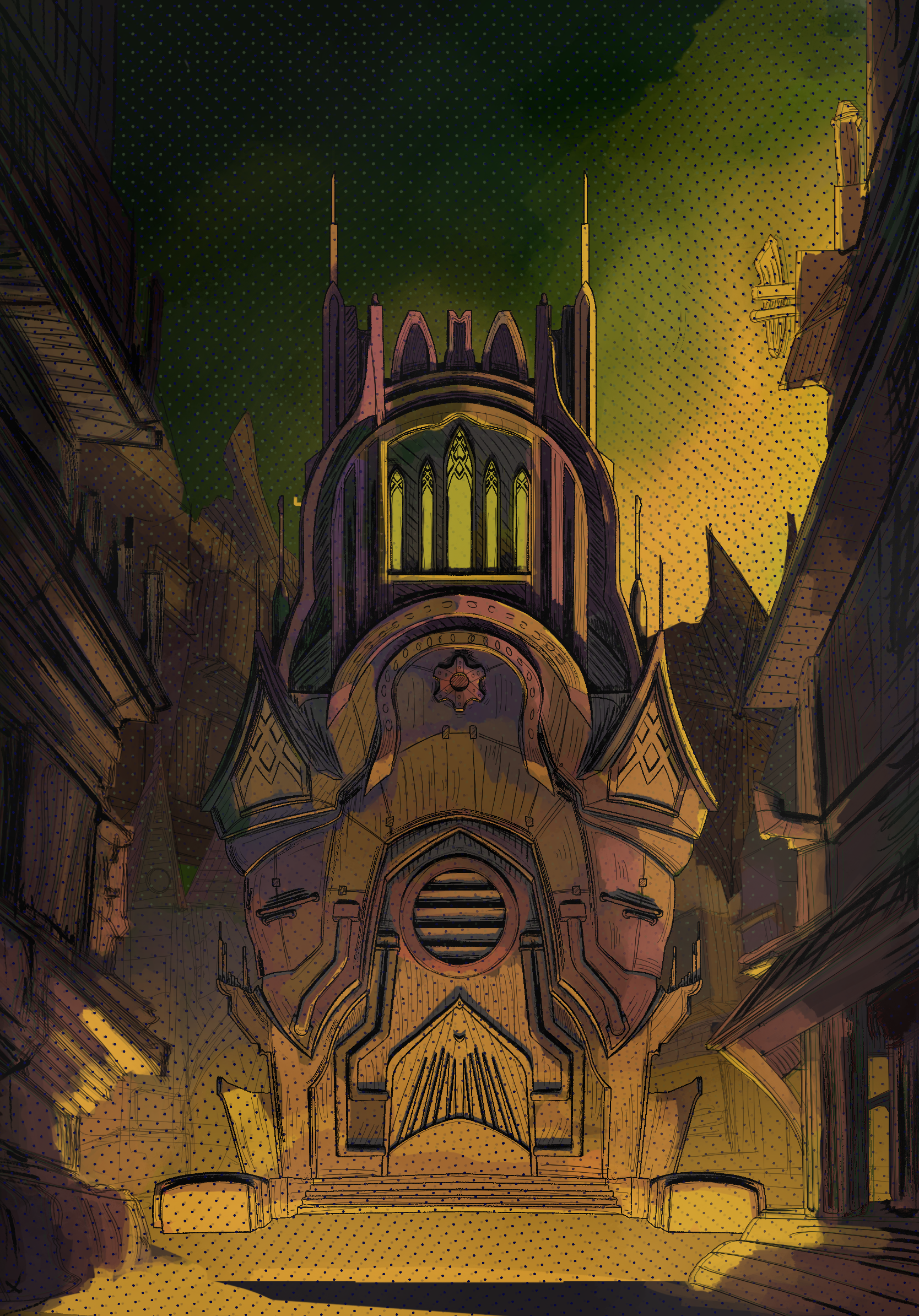
A Fateful Night, Concept Style B - Procreate, 2023
Ethan Richards
A Fateful Night, Style B
A Fateful Night, Style B Development Videos
Programs Used:
Maya: Modeling
Substance Painter: Color maps, shader masks, and baking Normal/AO maps.
Unreal Engine 5: Shader Development, Post Processing Development, Rendering
Creating Custom Shaders
Shader Stills
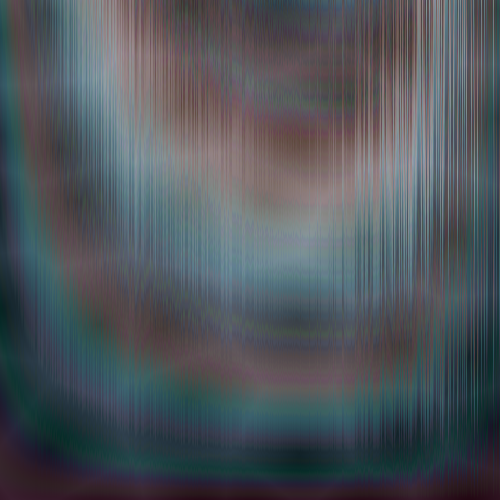
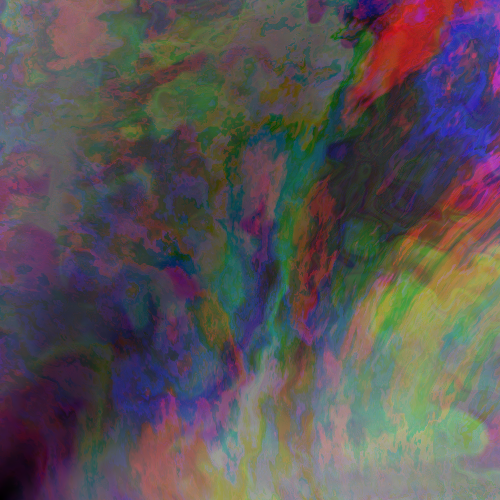

Integrates Mathematical Systems including:
Fractional Brownian Motion
Random Noise
Cellular Noise
Trigonometry
Shadertoy Adaptions for Visualization
Main Code
    vec2 st = gl_FragCoord.xy/u_resolution.xy;
    st.x *= u_resolution.x/u_resolution.y;

    vec3 color = vec3(0.0);


    vec2 q = vec2(0.);
    q.x = fbm( st - 0.03*(u_time));
    q.y = fbm( st + 0.05*(u_time));

    vec2 r = vec2(0.);
    r.x = fbm(st*6.008 + 4. * noise(st) + q + vec2(8.3,2.8)
             + .1 * sin(u_time));
    r.y = fbm(st*10.0 + 4. * noise(st) + q + vec2(8.3,2.8)
             + .1 * cos(u_time));

    color += vec3(fbm(5.0 * st*fbm(r)), fbm(5.0 * st*fbm(q)),
                fbm(5.0 * st*fbm(r + q)));
    color -= vec3( 1.0 - distance(vec2(0,1), vec2(st.x, st.y)))
                * .1;
    color -= vec3( 1.0 - distance(vec2(1,0), vec2(st.x, st.y)))
                * .2;

    gl_FragColor = vec4(color,1.0);
Main Code
  vec2 st = gl_FragCoord.xy/u_resolution;

  float stripes = .2 + sin(st.x * 3.14 * smoothstep(-5., 1.,
                      sin(st.x * 4.0 + fbm(st.xx * vec2(1000., 20.)) * 6.)));
  vec3 color = vec3(fbm(stripes * st.yy - .07), fbm(stripes * st.yy + .01),
                  fbm(stripes * st.yy + .03));

  st *= 5.0;
  float v = cellular(st) * .2;

  color += vec3(v) * vec3(.8,.8,1.0);

  gl_FragColor = vec4(color,1.0);
Real Time VFX and Shaders in Unreal Engine
Developing VFX in Unreal Engine using Niagara systems and in engine material shaders.
Methods include writing custom HLSL shaders, procedural randomness, and dynamic material parameters
Gravitational Explosion
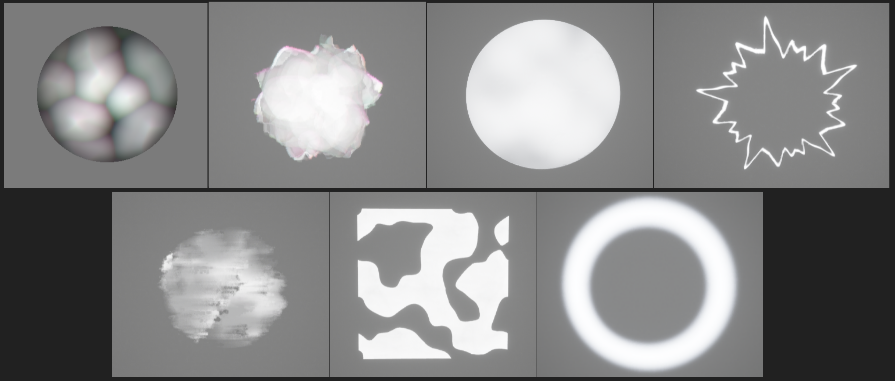
Uses seven unique materials to provide layer and depth across the length of the explosion.
Divided into the 3 stages:
The Buildup
The Anticipation
The Explosion
Combination of 20 different Niagara FXs Layered across the 3 stages
Combines Radial, Fractal, and Refraction manipulations of noise to create unique visual interest and accentuate chaos and intensity
Integrates Dynamic Parameters on multiple shaders
Three Stages

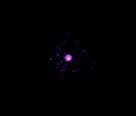

Materials
Niagara FXs


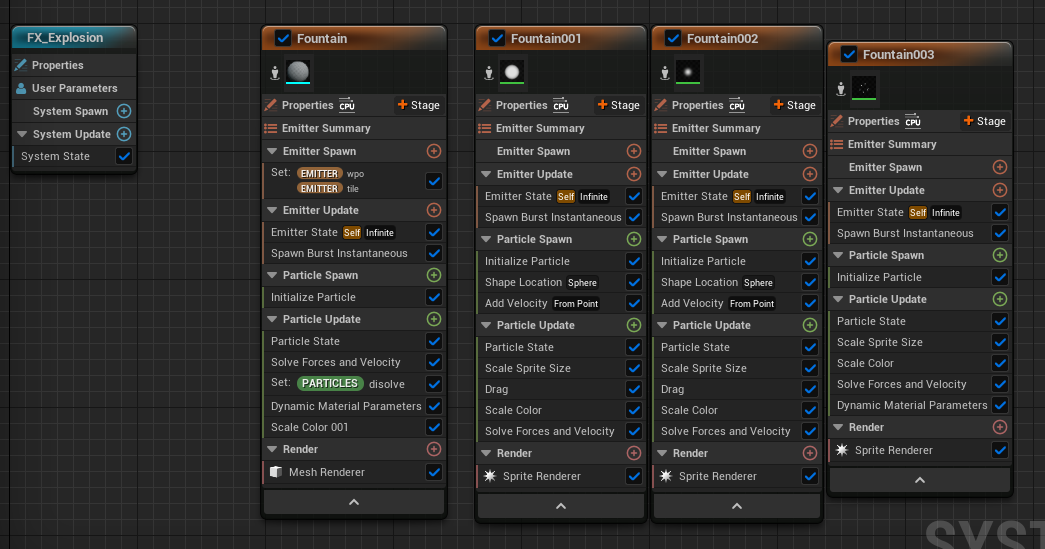
Stylized Explosion
Uses Dynamic Parameters on a material to dissolve the explosion
Implements Parameters and parameters over time to adjust sizes, colors, and dissolving
Layers Smaller particle effects for debris coming off of explosion


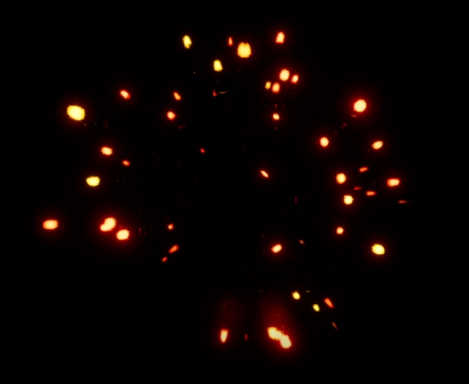
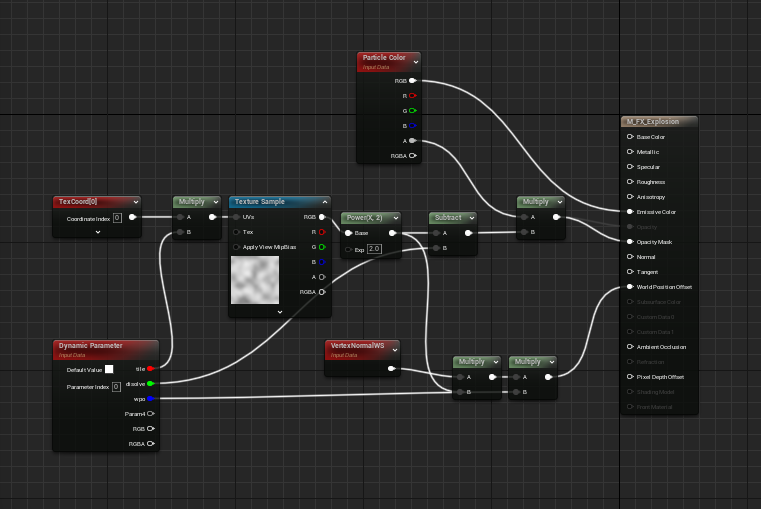
Custom HLSL Shader
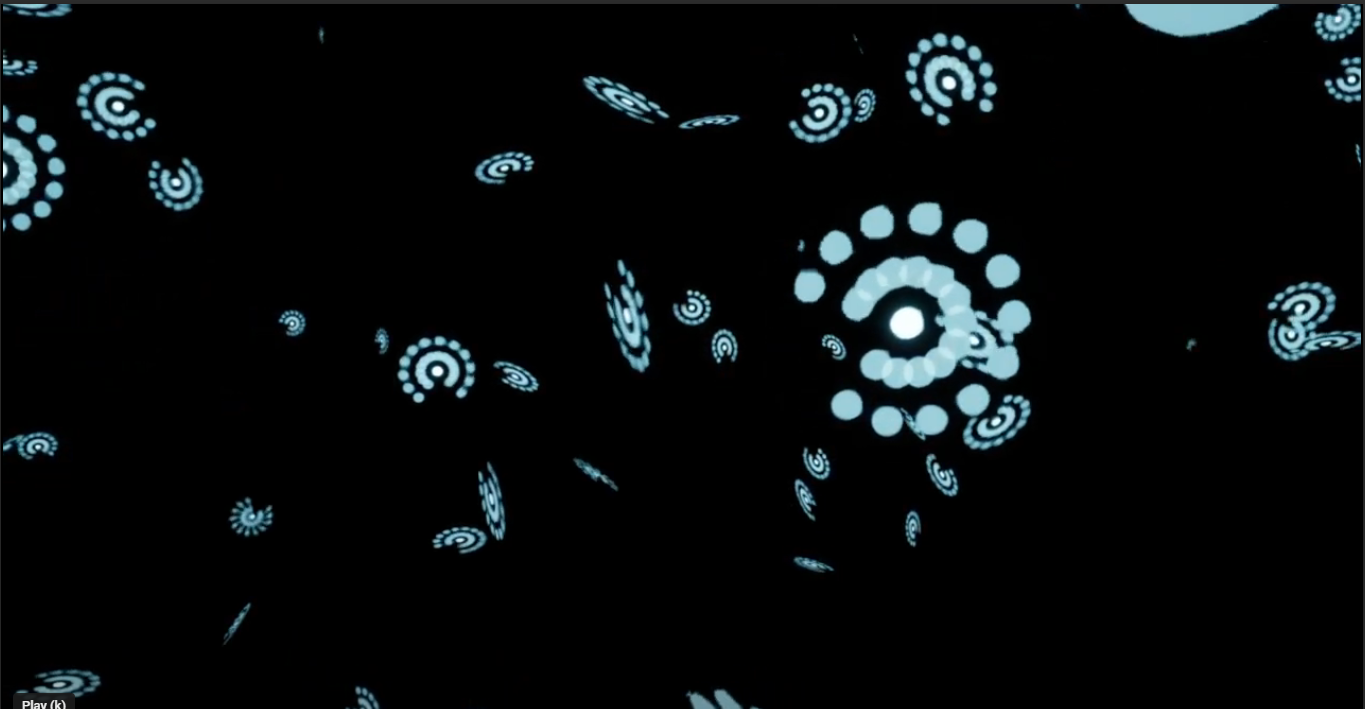

float result = 0;

for (int i = 0; i < nSides; i++) {
  for (int j = 0; j < nCopies; j++){
    float angle = (i / nSides) * (time) * 3.14159;
    float2 pos = center + ((j/nCopies) * radius
       * float2(cos(angle), sin(angle)));
    result += length(pos - uv) < size; // Draw Circle
  }
}

return(result);
Toon Building in Unreal Engine 5
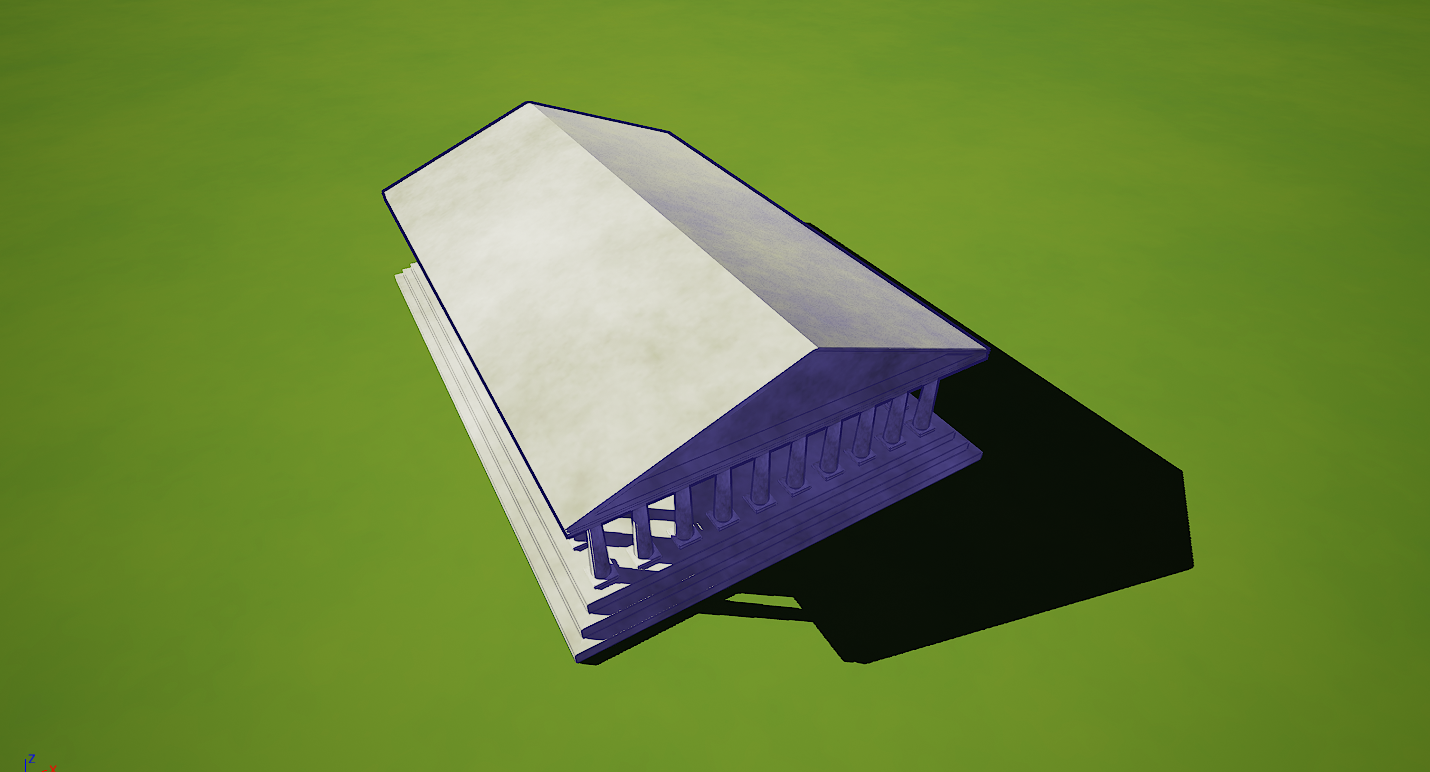

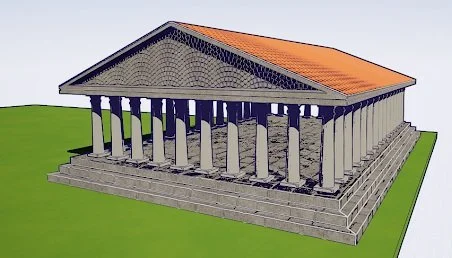
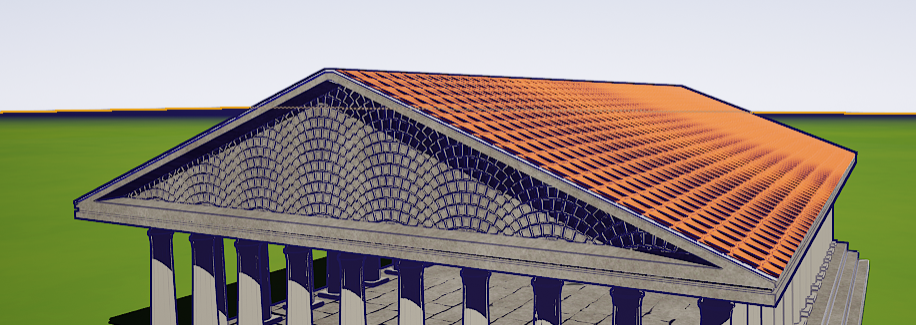
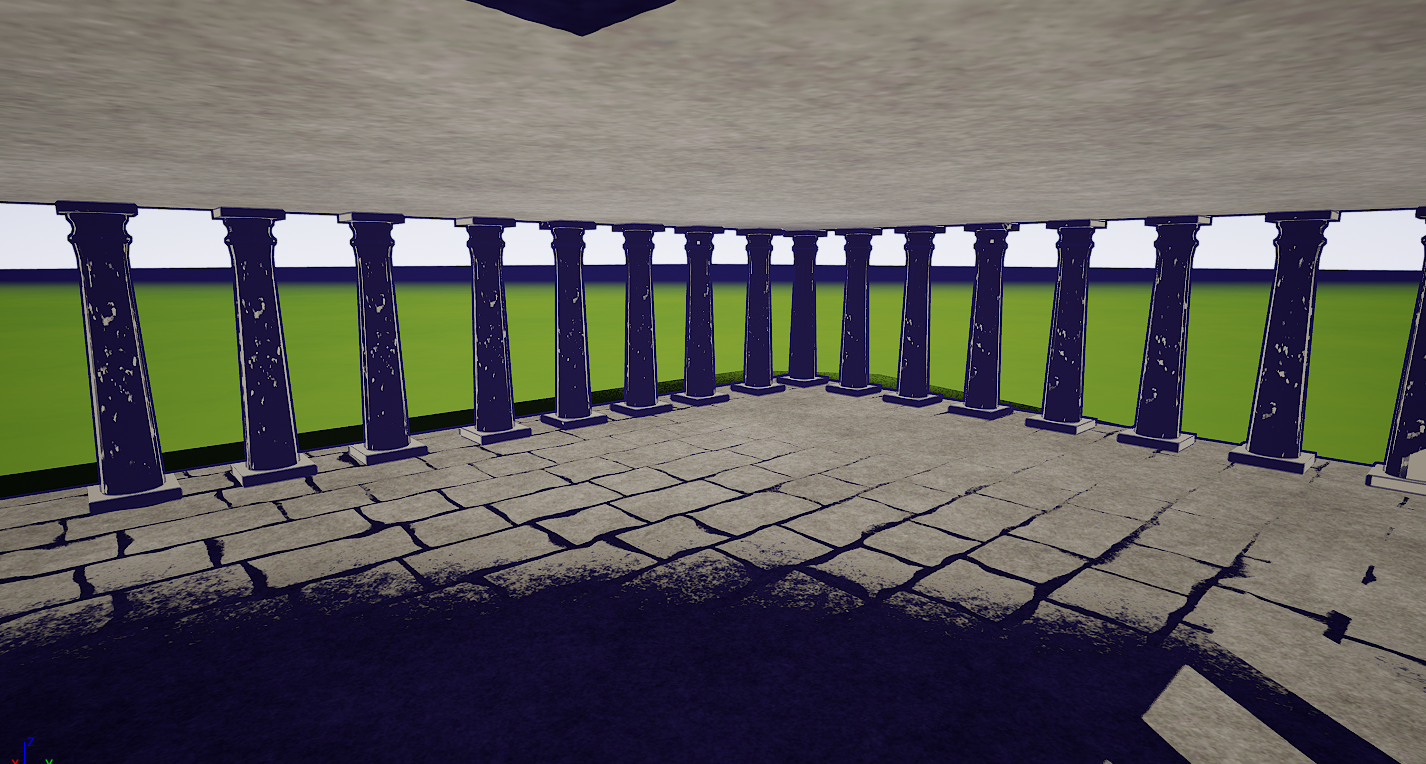
Tools Used:
Unreal Engine 5.1
Houdini
Adobe Substance Designer
Modeling:
Modeled in Houdini
Allows for size/shape manipulation while preserving the UV
Roof Model and UV
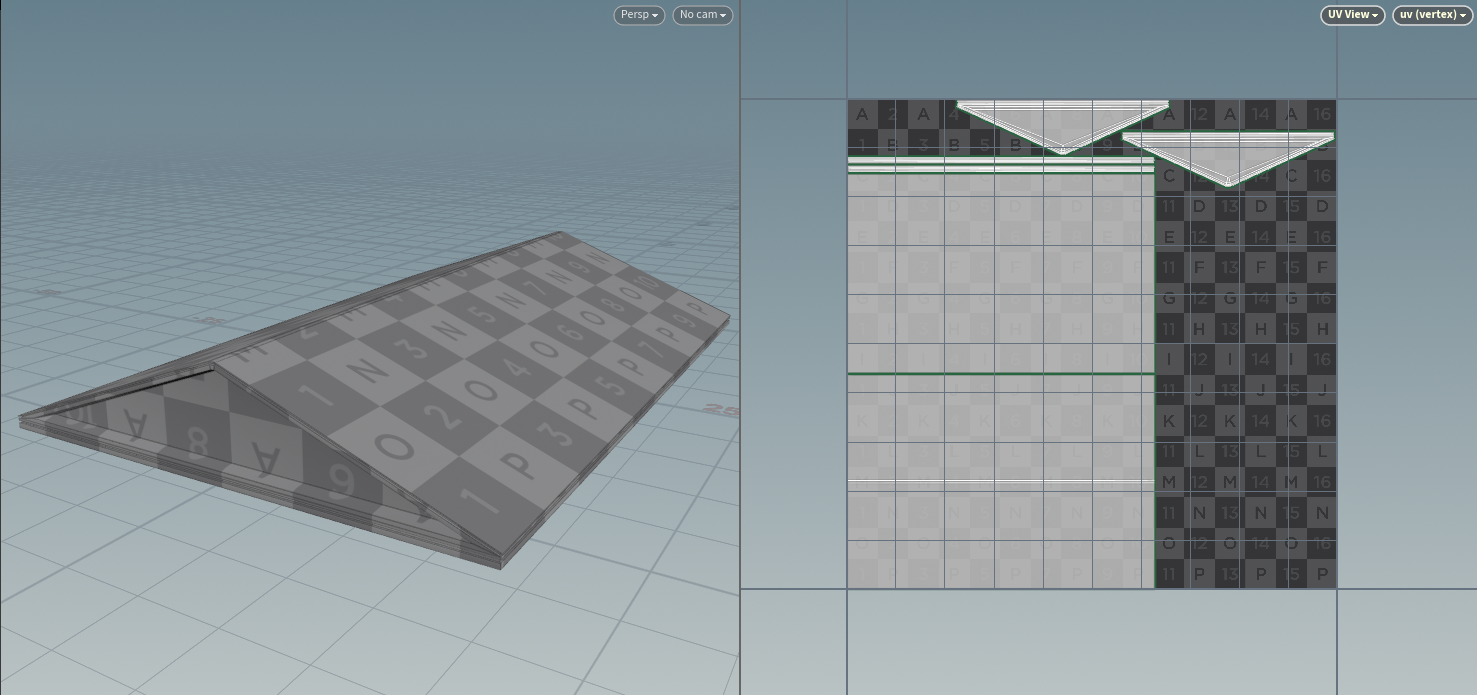
Column Model and UV
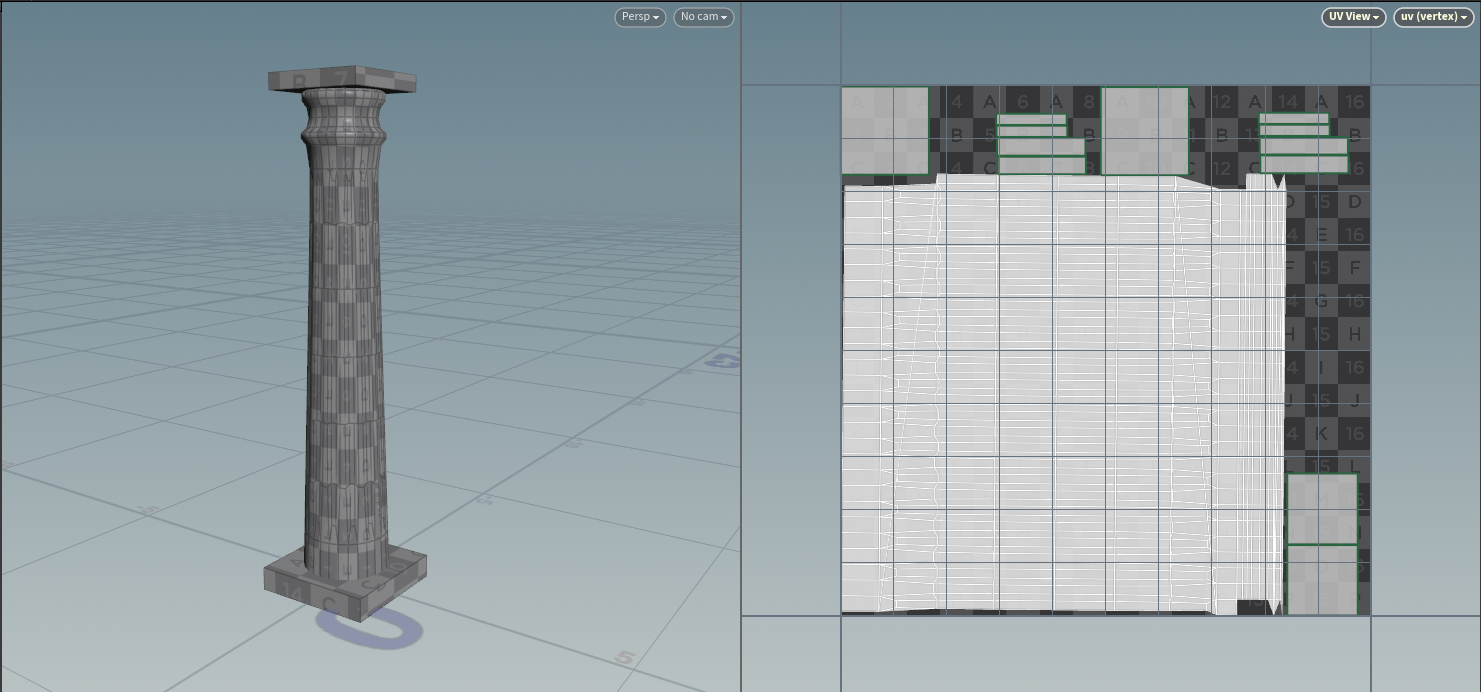
Base Model and UV

Rendering Shader Development:
Creating the Toon Lighting:
Light Buffer Extraction
Defining a lighting threshold
Implementing Color manipulation
Integrating Scene Color
Creating Toon Outliner:
Get Pixel Info
Compare Normal and Scene Depth
Used as an Alpha and using Linear Interpolation applied over the Toon Lighting
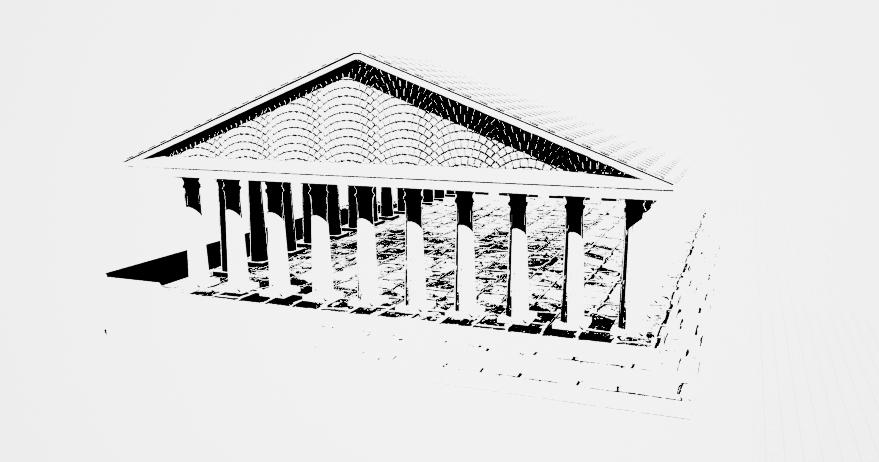
Stages of Toon Lighting Shader

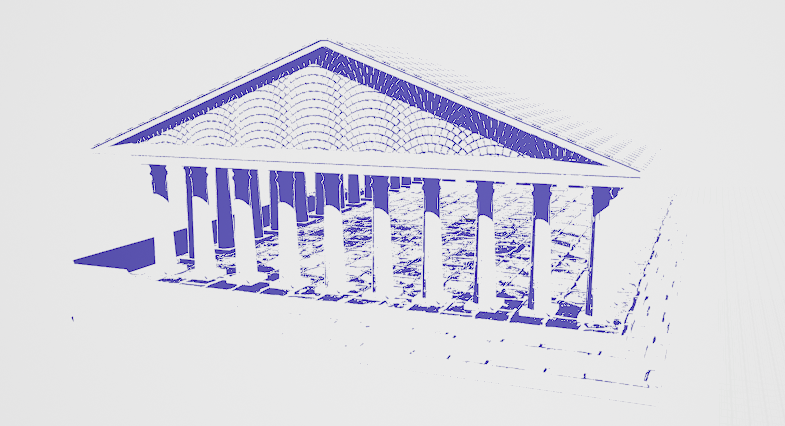

Visualization of the Toon Outliner
